What is ransomware?
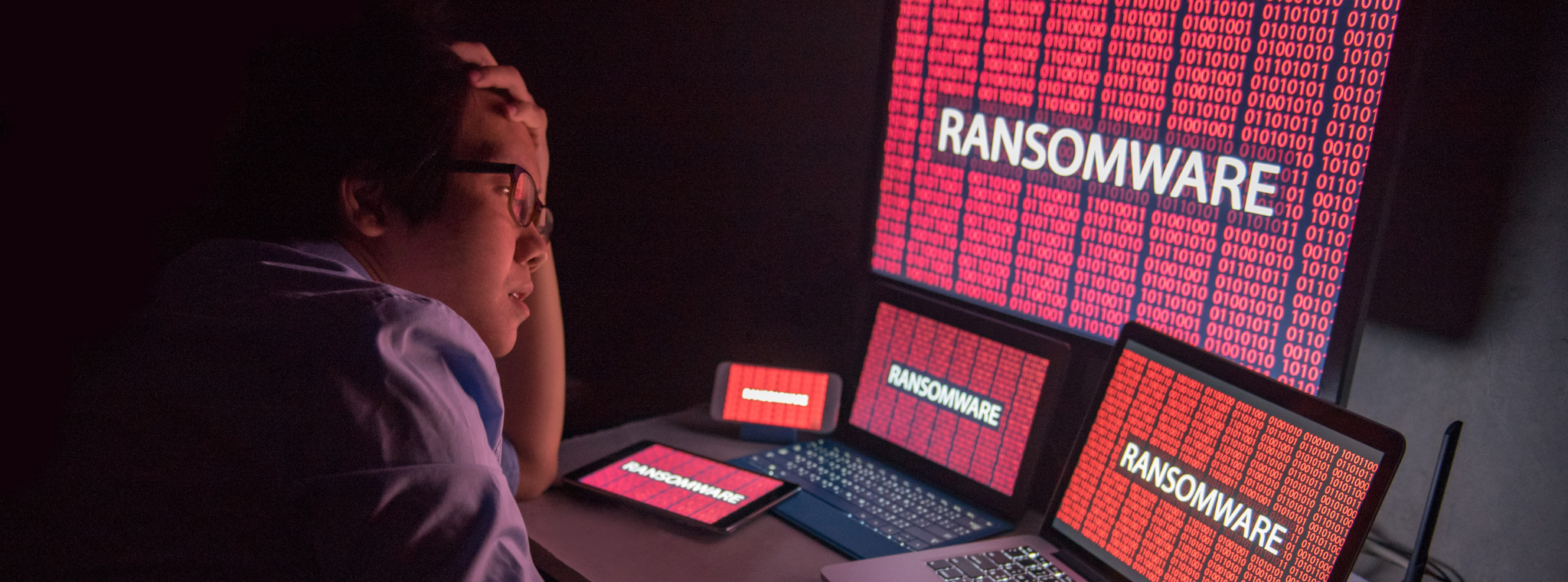
Ransomware is a type of malicious software (malware) that cyber criminals use to block access to a victim's data or computer system, typically by encrypting it. The attacker then demands a ransom, usually in cryptocurrency, in exchange for providing the decryption key needed to restore access. Ransom attacks can also involve stealing data and simply threatening to publicly disclose it without any encryption having taken place. If the ransom is not paid, the victim risks losing their data permanently, having it leaked, or facing other consequences.
Ransomware attackers have now orchestrated large-scale gangs and affiliates, causing the threat to grow. Along with these groups, the increase in AI adoption has heightened the risk through the introduction of Ransomware-as-a-service (RaaS), and the ease of malware creation and distribution.
How does ransomware infect your system?
Ransomware can infect a device in a number of ways. Common routes include:
- Phishing emails containing malicious attachments, documents or links.
- Unpatched vulnerabilities in operating systems, applications or internet-facing services.
- Malicious websites that exploit weaknesses in software or browsers.
- Other malware infections, including botnets and malware already present on a device or network.
- Unsafe macros in documents, where a user enables malicious code to run.

Reducing the risk of ransomware
No single control will stop every attack. Organisations should combine technical controls, good cyber hygiene and staff awareness to reduce the likelihood and impact of ransomware.
- Use endpoint protection and anti-malware tools
Reputable anti-malware or endpoint protection software is an important baseline control for business devices. It should be enabled, monitored, kept up to date, and configured to run regular scans. Advanced threat protection tools may provide additional protection by identifying suspicious behaviour and patterns associated with ransomware activity.
- Defend against phishing
Phishing remains one of the most common delivery methods for ransomware. Staff should be encouraged to question unexpected messages, especially those that create urgency, contain unusual wording, or come from unfamiliar or suspicious email addresses. If there is any doubt about a message, staff should verify it through a trusted contact route rather than replying or clicking links. For more information on phishing, please read our Phishing guide.
- Train staff and build awareness
Employee awareness is a key part of ransomware defence. Staff should know how to recognise suspicious activity, who to report it to, and what immediate steps to take if they think a device or account may be compromised. Training should be reinforced regularly so that reporting suspicious activity becomes routine.
- Backup and recovery plans
By performing regular backups you can create a safety net that allows you to recover encrypted data without having to follow the attacker’s demands. Quick data recovery helps to minimise downtime and reduce operational disruption. The ability to restore data from backups also reduces the leverage attackers hold over you or your business as the threat of withholding data is less potent.
- Patch systems and keep software updated
Regular security updates help close vulnerabilities that attackers may exploit to gain access or move through a network. This should include operating systems, business applications, firmware, browsers and security tools. Organisations should also identify and remove unsupported or outdated systems where possible.
- Limit access and apply least privilege
Restricting access to systems, data and applications can reduce the number of opportunities available to an attacker and limit the spread of ransomware if an account is compromised. Access rights should be based on role, reviewed regularly, and removed promptly when no longer needed.
- Control macros and risky file behaviour
Macros in documents can be abused to run malicious code. Unless a document is known to be genuine and necessary for business purposes, staff should not enable macros when prompted.
- Use built-in protections where appropriate
Some operating systems include built-in protections that can help reduce ransomware risk. For example, Windows includes security features such as anti-malware services and settings that can restrict unauthorised changes to folders.

Backup your important data
Reliable backups are one of the most important safeguards against ransomware. If data can be restored safely, the attacker has less leverage and operational disruption can be reduced.
- You should keep backups of any important files that you may have.
- Do not store them on the same system as the original files and do not store them on a device connected to your network as ransomware can spread to network-connected systems.
- If your files are being stored on an external hard drive, disconnect it from the system when not in use.
- It is recommended to follow the ‘3-2-1 rule’: have at least three copies of your important data, on two storage types with 1 of those backups being offsite.
- There is a high chance that your data will not be retrievable if you have not backed it up before an infection.
- Test restoration procedures so recovery is practical in the event of an incident

What to do if you have been infected
If ransomware is suspected, you should act quickly and follow their incident response arrangements.
Immediate actions may include:
- Disconnect affected devices from the network, including wired and wireless connections.
- Inform the internal security, IT or incident response team without delay.
- Avoid restarting affected devices unless instructed to do so by those managing the incident.
- Follow the organisation’s incident response plan and escalation procedures.
- Report the matter to the CSC and the Police using the appropriate reporting routes.
Report to the Cyber Security Centre (CSC) and the Police using our cyber concerns online reporting form found on our website or by calling 686060.
Organisations (large and small) should follow their incident plans so that the attack and its consequences can be effectively managed.
If your organisation does not yet have an incident plan, the CSC’s Incident Response & Recovery for Smaller Businesses guidance is a useful starting point.
If using a home computer, unless you are comfortable with formatting and re-installing your Operating System, contact a qualified IT repair centre or experienced technician.
Should you pay the ransom?
It is strongly recommended that organisations do not pay the ransom. Payment funds criminal activity, encourages further attacks, and does not guarantee that files will be returned, systems restored, or stolen data deleted.

What about "decryptors"?
Some reputable cyber security firms and researchers have started producing "decryptors" for some of the variants of ransomware in circulation, however, these decryption tools are specific to each version of ransomware so using the incorrect tool may result in further encrypting your files. Do not store them on the same system as the original files and do not store them on a device connected to your network as ransomware can spread to network-connected systems.
It is highly recommended that you consult with an experienced IT specialist to determine if, and how, your files can be decrypted.
No More Ransom (https://www.nomoreransom.org) is a website with a collection of official decryptors for various ransomware strains and versions.
This page was last reviewed 13/11/2024