What is online extortion?
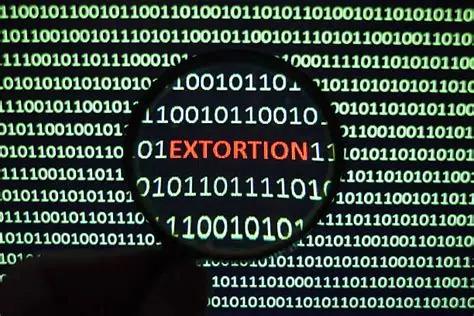
Online extortion is when a criminal threatens to release private information, images, messages, or other material unless you pay them or meet their demands. These scams can arrive by email, text message, social media, dating apps, gaming platforms or other messaging services. Some messages are mass-sent scams that rely on fear and bluff. Others begin with online contact and then escalate into threats once the criminal has gained trust or obtained material they can misuse.
These scams can affect anyone, and criminals often target large numbers of people at once in the hope that some will respond. They often use threats, pressure, and embarrassment to make people act quickly without stopping to think.
Some scams involve false claims that a criminal has hacked your device, stolen your passwords, or obtained private images or footage. Others might use genuine photos, messages, or personal information that are easily accessible to the public in order to make their message seem credible before threatening or extorting someone. In either case, the aim is to pressure the victim into paying money or meeting the criminals demands.

How these scams usually work
Criminals often try to make their message feel urgent, personal, and credible.
Common tactics include:
- Claiming they have hacked your device, email account, or webcam even when this is not true.
- Including a password you used in the past to make the threat feel more convincing. This is often taken from an older data breach rather than from a current compromise.
- Demanding payment, often in cryptocurrency, gift cards or another hard-to-trace method.
- Telling you not to contact anyone and setting a short deadline to create panic.
- Using social media, messaging apps, dating apps or gaming platforms to build trust before making threats.
- Threatening to contact friends, family or colleagues using information taken from your online profiles or contact lists.
What to do if you receive a threatening message
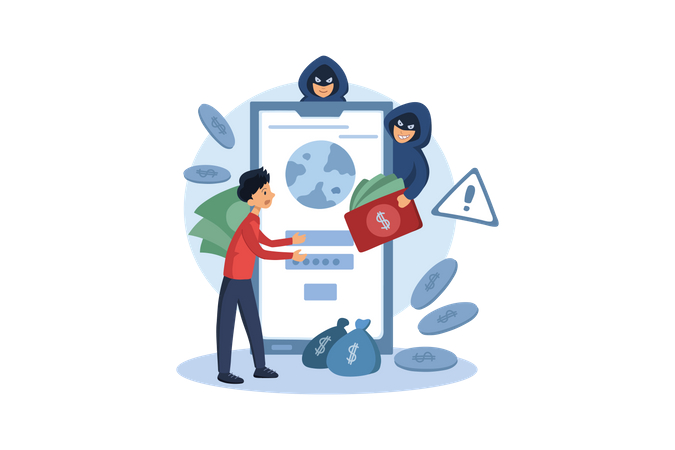
If you receive an online extortion message, the most important thing is to pause and not respond in the moment. Criminals rely on panic and shame to stop people thinking clearly.
You should:
- Do not reply to the sender: engaging with them confirms that your account is active and may encourage further abuse
- Do not pay: paying may encourage more demands, as the criminal may see you as a willing target
- Do not click links or open attachments in the message: these may lead to malicious websites or files
What to do if the message mentions one of your passwords
Do not panic if a threatening message includes a password. In most cases, this comes from an old data breach and does not mean your device has been hacked.
You should:
- Change that password immediately on every account where you have used it if you still use it anywhere
- Use a strong, unique password for each account, ideally with a password manager
- Turn on multi-factor authentication (MFA) or use passkeys wherever it is available
- Consider checking whether your email address has appeared in a known breach by using Have I Been Pwned
If you have already replied, paid, or shared something
If you have already interacted with the scam, it is important to act quickly. Early action can reduce the harm and help you regain control.
You should:
- Stop all further contact with the criminal
- Change passwords on any accounts that may have been affected, especially email, social media, and banking accounts
- Check your accounts for unusual activity, such as new logins, changed recovery details, or messages you don’t recognise
- If you have lost money, contact your bank as soon as possible

How to reduce the risk
A few simple steps can make you much harder to target:
- Use strong, unique passwords and avoid reusing them across different accounts
- Be careful about how much personal information you share publicly on social media. Criminals can use public posts, photos, and friend lists to make threats feel more believable
- Review your privacy settings on social media and messaging platforms
- Be cautious about accepting friend requests or private messages from people you do not know
- Be wary of anyone who quickly tries to move a conversation to a different platform or asks for personal details, money, or secrecy
- Keep your devices and apps updated, and be careful with links and attachments in unexpected messages
Where to get help
If you receive a threatening email or message, you do not need to deal with it alone. Reporting helps protect you and can also help prevent others from being targeted.
Useful routes include:
- Forward suspicious emails to our Suspicious Email Reporting Service (SERS) at SERS@ocsia.im
- Report cyber-related concerns to our Cyber Concerns Online Reporting Form